How to Take Better Feet Pics: A Phone Photography Guide for Beginners
You don’t need a professional camera to take great feet pics. This beginner’s guide covers light, backgrounds, angles, steady shots and simple editing — all with the phone you already have.
This article may contain affiliate links. How we earn money.

The difference between a feet pic that gets scrolled past and one that gets bought is rarely the camera. It is light, a tidy background, and a bit of care with angles — all things you can control with the phone already in your pocket.
This guide walks through a simple routine you can repeat every time you shoot. Follow it in order and your photos will look noticeably more polished within one session.
Clean the lens and check your settings
Two minutes of setup fixes the most common causes of dull, blurry photos:
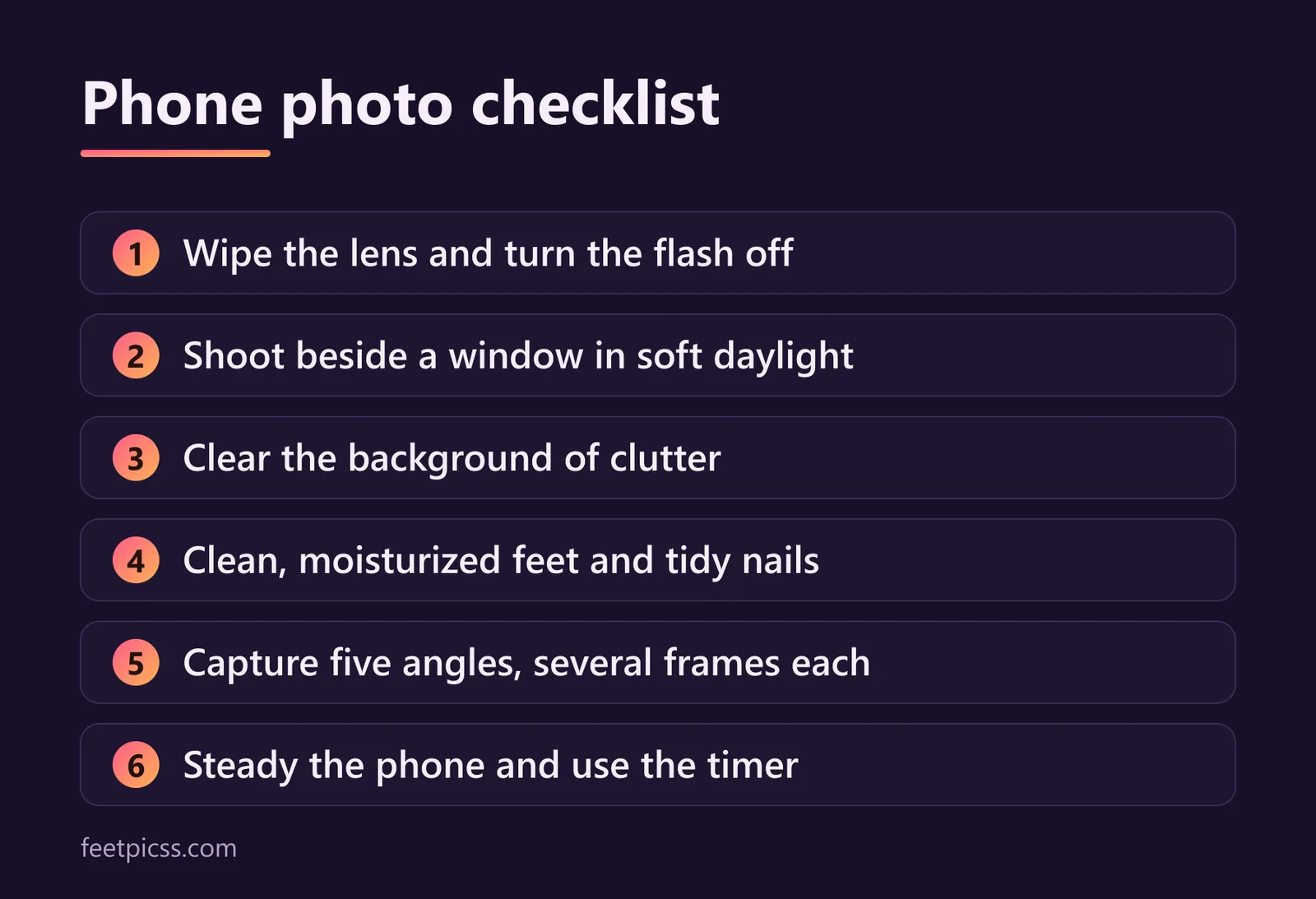
Wipe the lens. Phone lenses collect fingerprints all day. A quick wipe with a soft cloth makes photos sharper and removes the hazy glow around lights.
Use the rear camera. On most phones the main camera on the back is much better than the selfie camera. Use a timer or prop the phone up rather than switching to the front.
Turn the flash off. Direct flash flattens skin and creates harsh shadows. Add light to the room instead.
Switch on the grid. Gridlines in the camera settings help you keep horizons level and place your subject deliberately.
Find soft, natural light
Light matters more than anything else. Soft, even light makes skin look smooth and colors look true; hard light exaggerates every line and shadow.
Shoot near a window during the day, with the light coming from the side rather than from behind the camera.
If the sun is shining straight in, hang a thin white curtain or sheet over the window to soften it.
Outdoors, pick open shade or an overcast day instead of direct midday sun.
Avoid mixing daylight with warm ceiling lights — the colors clash and skin tones look odd.
Hold a sheet of white card or a pillowcase on the shadow side to bounce a little light back in.
Choose a clean, simple background
Anything in the frame that is not your feet competes for attention. A plain bedsheet, a rug, a wooden floor or a towel works well. Clear away cables, laundry and clutter, and check the edges of the frame before you shoot. A simple background also keeps personal details out of your photos, which matters for privacy as much as for looks.
Prepare your feet
A little preparation shows up clearly in close-up photos:
Wash and dry your feet, then use a light moisturizer and let it sink in so skin looks healthy rather than shiny.
Tidy your nails. Fresh polish or a neat natural look both work — chipped polish does not.
Take socks and shoes off ten to fifteen minutes before shooting so the marks they leave have time to fade.
Use angles that flatter
Variety is what turns one session into a full set. Work through these angles and take several frames of each:
Top-down. Hold the phone directly above your feet. Simple, clean and easy to get right.
Side profile. Shoot from the side at floor level to show the arch. Pointing your toes slightly lengthens the line.
Soles. Lie on your front or sit with your feet toward the camera. Keep the phone level with your feet so the shape is not distorted.
Three-quarter view. Halfway between front and side — a natural-looking angle that shows toes and arch together.
Close-up details. Move in on toes, nail art or jewelry. Step closer instead of zooming, because digital zoom lowers quality.
Hold steady and lock focus
Blur is usually camera shake. Lean the phone against something solid or use an inexpensive phone tripod, and set the self-timer so pressing the button does not move it. Tap the screen where your feet are to set focus and brightness; on most phones, pressing and holding locks both so they do not shift between shots. If the photo looks too dark or too bright, drag the brightness control up or down before you shoot rather than fixing it afterwards.
Edit lightly
Editing should finish a good photo, not rescue a bad one. Crop and straighten first, then make small adjustments to brightness, contrast and warmth until the skin tone looks like it does in real life. Skip heavy filters and skin-smoothing effects: buyers want to see what you actually look like, and an over-edited photo is easy to spot. Use the same light touch across a set so it looks consistent.
Plan a shot list
Shooting in batches saves time. Before you start, write a short list of the angles, backgrounds and props you want — for example a plain set, one with heels or sandals, and one with a seasonal theme. Work through the list in one session while the light is good, and you will have enough material to post regularly without shooting every day.
Good light and a clean background will do more for your photos than a new phone ever will.
Before you share anything
A great photo still needs to be a safe one. Remove location data, keep identifying details out of frame, and add a watermark before you send previews. Our guide to selling feet pics safely covers each of those steps.
The bottom line
You do not need new equipment to improve your photos — you need a repeatable routine: clean lens, soft light, simple background, a few reliable angles and a steady phone. Practice it a couple of times and it becomes automatic. When your first set is ready, a creator platform such as InstaFeet lets you list it and set your own prices, and our selling tips explain how to keep buyers coming back.
- #photography
- #lighting
- #phone camera
- #beginners