How to Sell Feet Pics Safely: A Beginner’s Guide to Privacy and Scams
A practical, step-by-step guide to selling feet pics without exposing your identity — from separating your accounts and removing photo location data to spotting the buyer scams beginners fall for.
This article may contain affiliate links. How we earn money.
Selling feet pics can be a low-cost side hustle, but it is still selling content to strangers on the internet. The creators who do well over time are not the ones with the best camera — they are the ones who treat privacy and payment safety as part of the job from day one.
This guide walks through the safety habits that matter most, in the order you should set them up. None of it is complicated, and most of it only has to be done once.
Check that you are allowed to sell
Start with the two things that are not optional. You must be at least 18 years old, and reputable platforms will verify your age before you can sell. Selling adult-oriented content is also regulated differently from place to place, so take a few minutes to check the rules where you live and to read the terms of the platform you choose. Our disclaimer explains what this guide can and cannot tell you.
Create a separate creator identity
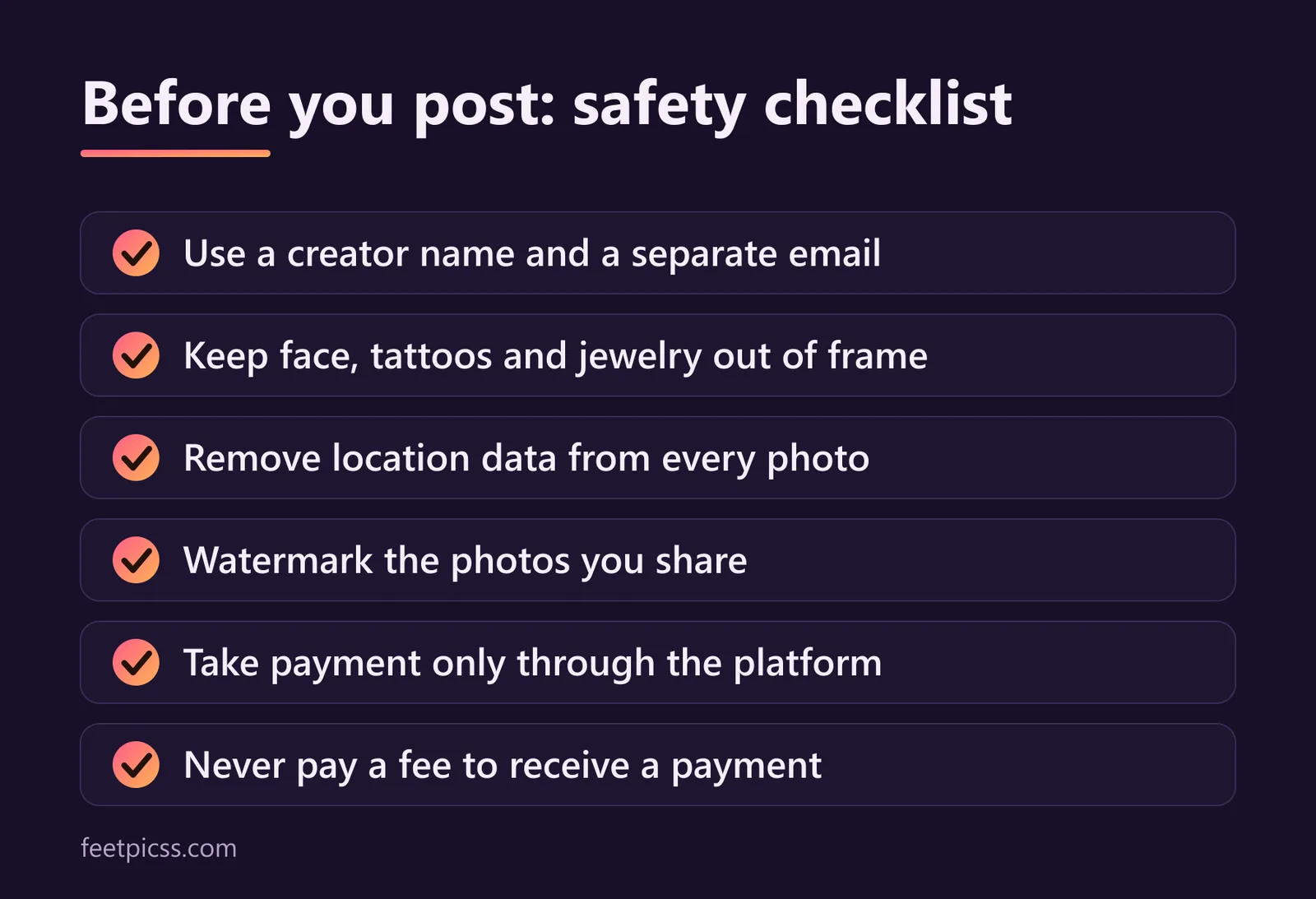
The simplest way to stay anonymous is to keep your selling life completely separate from your personal one. Before you upload anything, set up the following:
A creator name. Pick a name that has no connection to your real name, your usernames elsewhere, or where you live.
A dedicated email address. Create a new inbox used only for selling. Do not reuse an address that shows your real name or is linked to your social media.
A strong, unique password. Use a password you have not used anywhere else, and turn on two-factor authentication if the platform offers it.
No cross-links. Do not follow your personal accounts from your creator profile, and do not post the same photos in both places.
Keep identifying details out of every photo
You never need to show your face to sell feet pics, but a face is not the only thing that can identify you. Check each photo for:
Tattoos, birthmarks, scars, or distinctive jewelry
Mail, packages, documents, or screens in the background
Windows, views, or landmarks that reveal your location
Mirrors and other reflective surfaces
Uniforms, school or work items, and anything with a name on it
A plain backdrop — a bedsheet, a rug, a clean floor — solves most of these problems and usually makes the photo look better too.
Remove location data from your photos
Phone cameras can save hidden information inside every image file, including the date, the device, and sometimes the exact GPS coordinates of where the photo was taken. This is called metadata (or EXIF data), and it travels with the file when you send it.
Protect yourself in three ways:
Turn off location tagging for your camera app in your phone's settings, so new photos never store your location.
Before sharing a photo, remove its location data. On an iPhone, tap Options at the top of the share sheet and switch off Location. On Android, look for a “remove location data” option when sharing from your gallery app — the wording varies by phone.
If you are unsure, take a screenshot of the photo and share the screenshot instead. It does not carry the original photo's location data.
Some platforms remove metadata from uploads automatically, but do not rely on that. Clean the file yourself and you never have to wonder.
Watermark what you share
A watermark is your creator name placed over the image. It will not stop a determined thief, but it discourages casual reposting and makes it easier to show that a photo is yours. Put it somewhere that is hard to crop out — across part of the foot rather than in a corner — and keep it subtle enough that the photo still looks good. Send previews with a watermark and at a lower resolution, and save the clean, full-size version for paying buyers.
Only take payment through the platform
This is the rule that prevents the most problems. A dedicated creator platform such as InstaFeet sits between you and the buyer: the buyer pays the platform, and the platform pays you. Your bank details, your legal name, and your personal payment accounts stay out of the conversation.
The moment a buyer asks to pay you directly — by bank transfer, a personal payment app, gift cards, or cryptocurrency — you lose that protection. Personal payment apps can show your real name, direct payments can sometimes be reversed after you have sent the content, and nobody will step in if something goes wrong.
Six scams to recognize
Most scams aimed at new sellers are variations on a small number of tricks. Learn the pattern and you will spot them quickly.
The overpayment. A buyer “accidentally” sends too much and asks you to refund the difference. The original payment later bounces, and your refund is gone.
The upfront fee. You are told to pay a “verification”, “unlock”, or “processing” fee before your payment can be released. A real buyer never needs you to pay them.
The gift card offer. Someone offers generous payment in gift cards, or asks you to buy one first. Scammers favor gift cards because they are very hard to trace or recover.
The fake receipt. You receive a screenshot or an email “proving” that payment was sent. Only trust the balance shown inside your own account.
The phishing link. A message says your account needs to be verified and links to a login page. Never sign in through a link someone sends you — open the site yourself.
The free sample. A buyer wants a few “test” photos before committing. Your public previews are the sample; custom content is paid for first.
A simple rule covers almost every case: if a buyer asks you to leave the platform, to pay anything first, or to share personal details, the answer is no.
Set your boundaries before you need them
Decide in advance what you will and will not create, and write it in your profile. It is much easier to point to a stated rule than to negotiate in the middle of a conversation. You can decline any request, and you can block anyone who pushes after being told no. Report abusive buyers to the platform so it can act.
Keep records and plan for tax
Money you earn from selling content is usually taxable income, and the rules depend on where you live. Keep a simple record of what you earn and what you spend on your side hustle, and speak to a tax professional if you are unsure what applies to you. We cannot give tax or legal advice — this is general information only.
The bottom line
Staying safe is mostly about setup: a separate identity, clean photos, and payments that never leave the platform. Get those three right and the rest becomes routine. When you are ready, our four-step walkthrough shows how to create an account and list your first photos, and the FAQ answers the questions beginners ask most.
- #safety
- #privacy
- #scams
- #beginners